
Support matrix
The guard acts on the two platforms where an app ships into an engine it does not control and cannot update itself: Android, where the WebView is a Play-updatable component, and iOS, where WKWebView ships with the OS.
| Platform | What it checks | Below the floor |
|---|---|---|
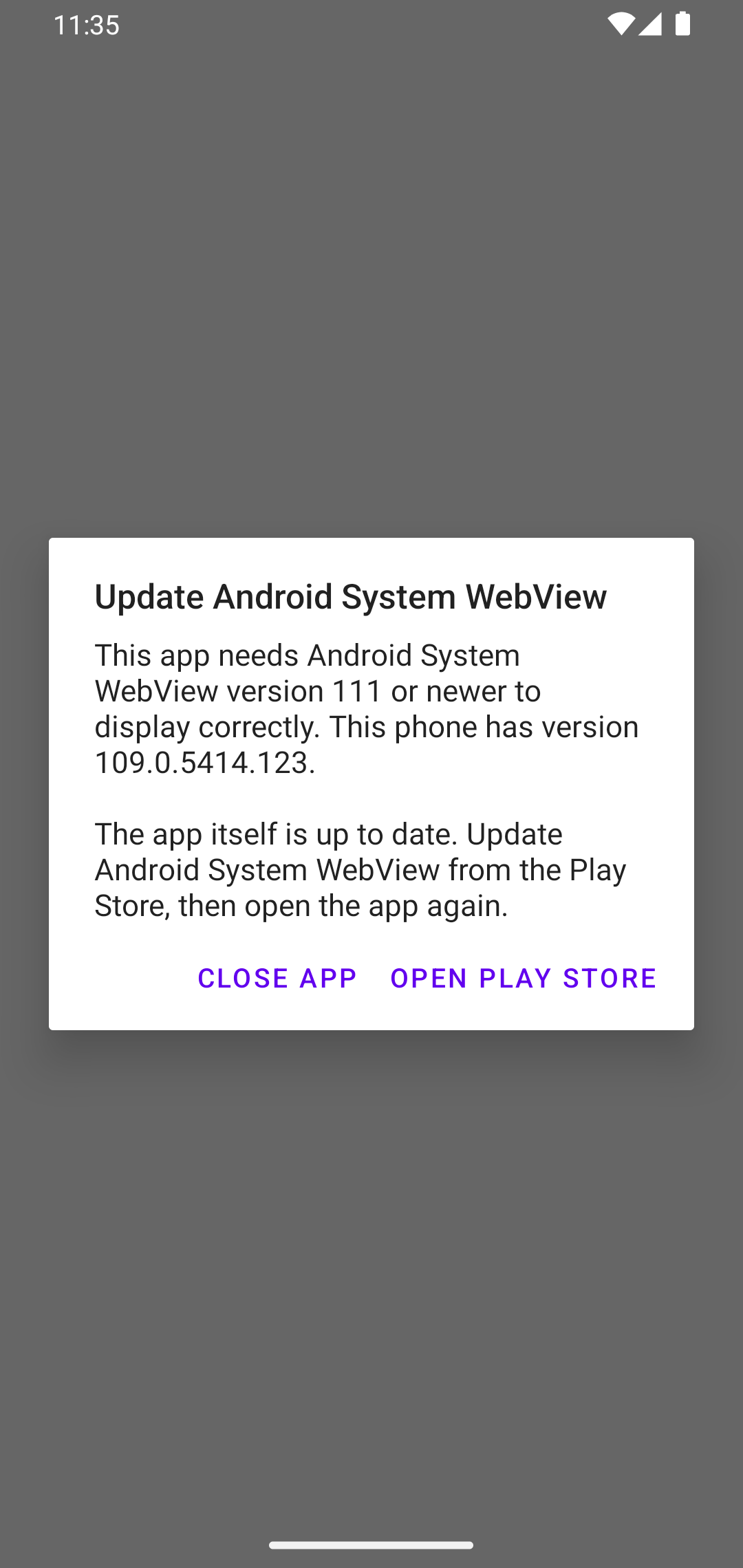
| Android | The WebView provider's versionName, via WebViewCompat.getCurrentWebViewPackage — whichever package provides it | Refuses the app's navigation, turns JS off, hides the WebView, shows an AlertDialog naming the provider |
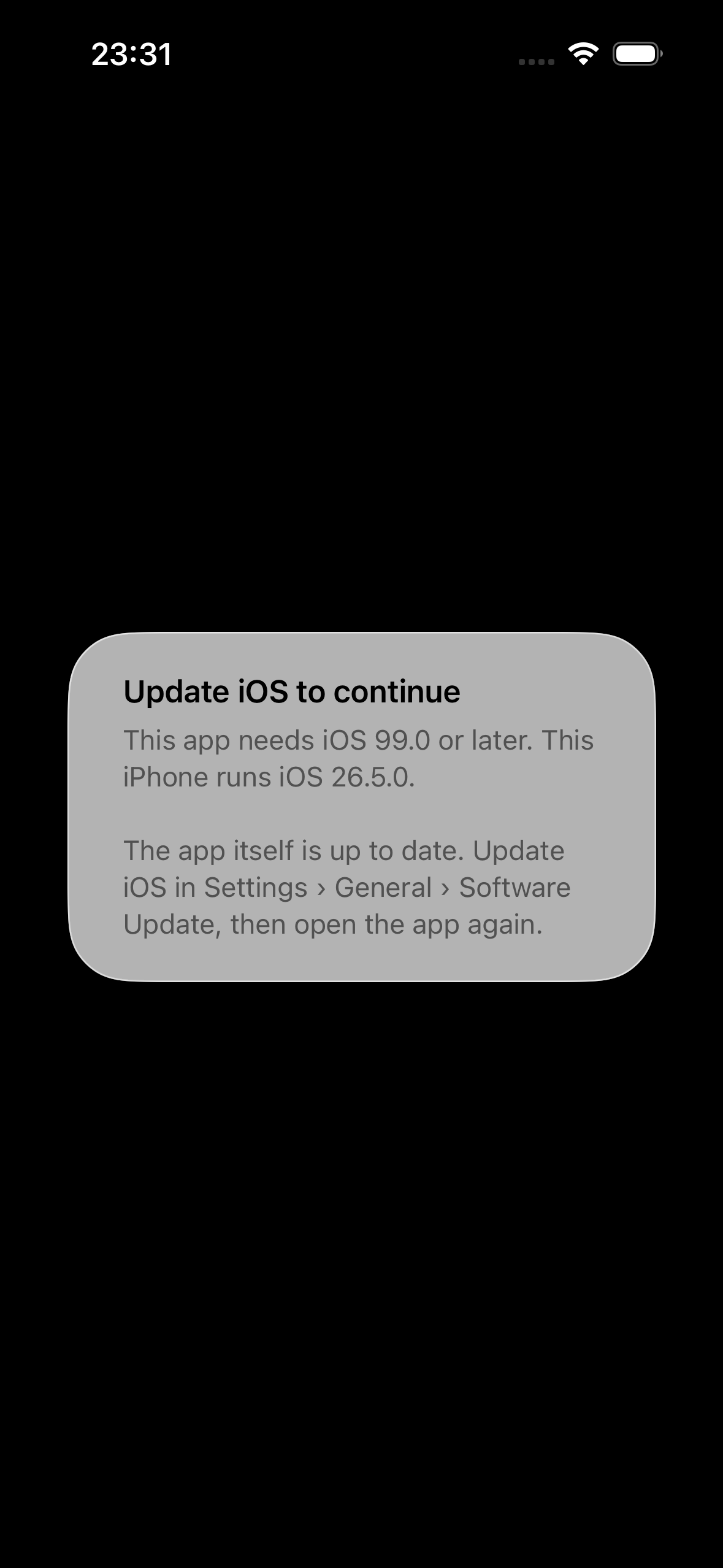
| iOS | ProcessInfo.operatingSystemVersion (WKWebView is the OS's) | Refuses the navigation, hides the WebView, shows a UIAlertController saying update iOS — no buttons |
| Desktop | Nothing | Nothing — logs a warning at setup |
| Browser (no Tauri) | The ES5 floor probe, if you inline it | Replaces <body> with your template |
The two commands per platform:
| Platform | status() | openUpdate() |
|---|---|---|
| Android | Yes | Yes: opens the provider's Play Store listing |
| iOS | Yes | unsupported — WKWebView has no store listing |
| Desktop | unsupported | unsupported |
The default floor is Tailwind v4's: Chromium 111 on Android and iOS 16.4 on iOS. Both are configurable.
What the user sees
| Platform | Before the dialog | The dialog |
|---|---|---|
| Android | The activity's window background (the launch theme). The WebView never paints. | Chromium 109 screenshot |
| iOS | A black window (hidden WebView), then the alert. | iOS 26.5, floor forced to 99.0 |
The lifecycle has the exact sequence on each platform, and device verification what was measured.